BACK TO ARCHIVE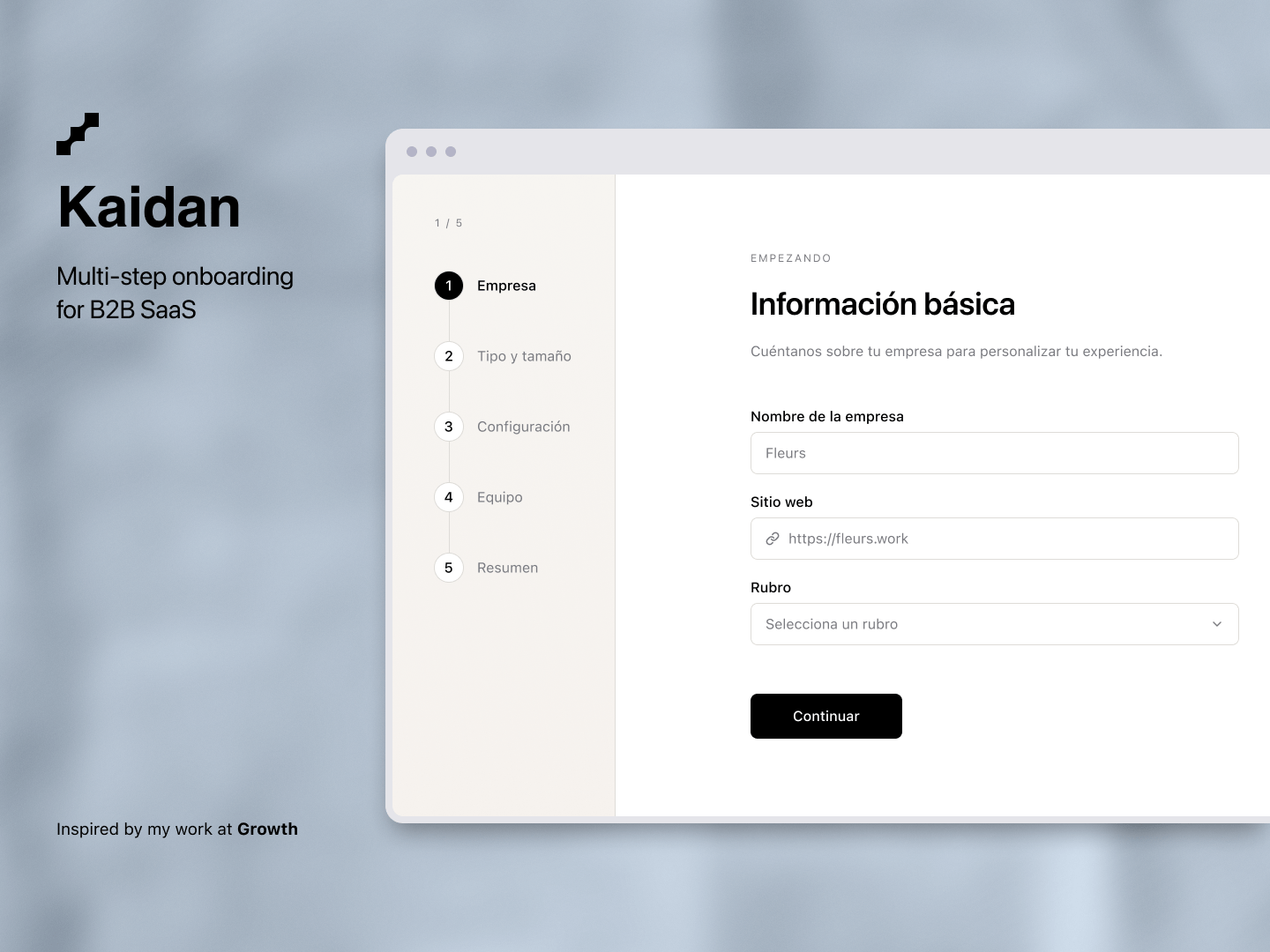
Kaidan
A multi-step onboarding experience for B2B SaaS.
kaidan.preview
2024 × React, TypeScript, Tailwind CSS
Kaidan explores how a long account setup process can be broken into smaller steps without making the user lose track of where they are.
//Breaking down the process
When an onboarding flow asks for information about a company, its size, configuration and team, putting everything into one form can make the process feel unnecessarily long.
I decided to split the setup into five steps, giving each part of the process its own space.
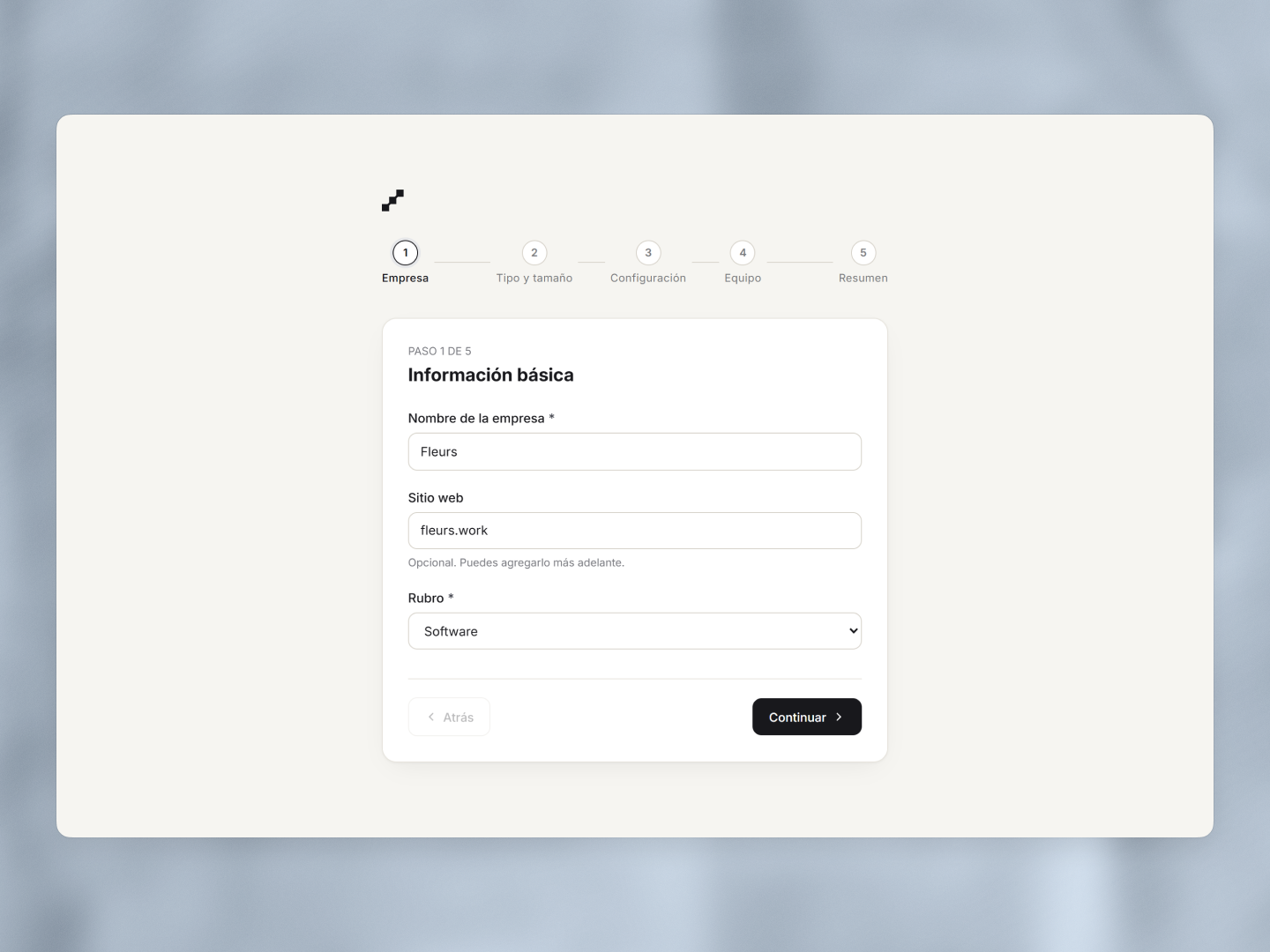
The first step keeps things simple: the company name, website and industry. Once this information is complete, the user can move on to the rest of the setup.
//Different questions, different inputs
Not every question needs the same input.
Some information works better as a simple field, while other decisions are easier to understand when the available options are visible from the start.
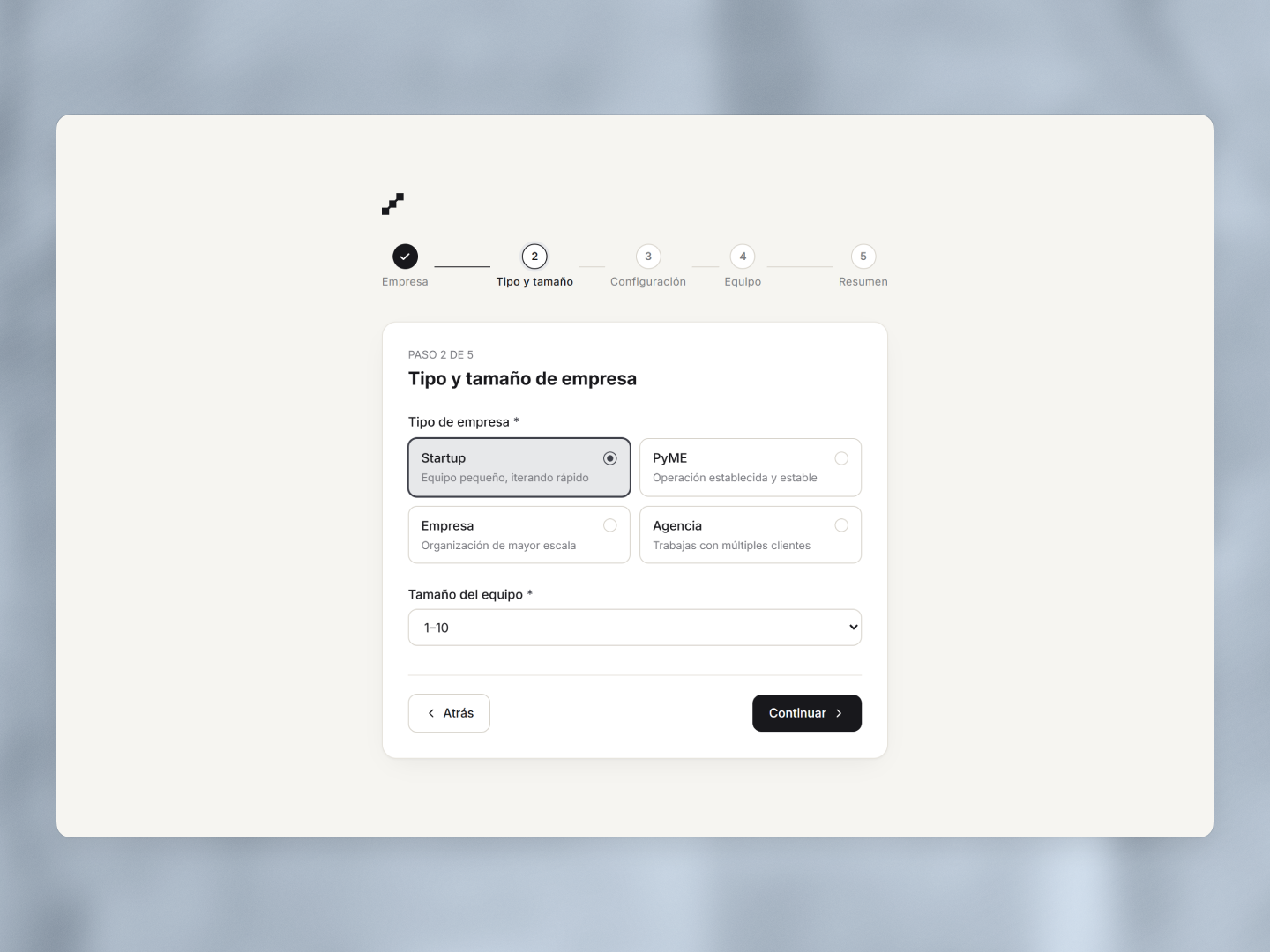
For the company type, I used selectable cards instead of a traditional dropdown. The options can be compared at a glance, with a short description helping explain the difference between them.
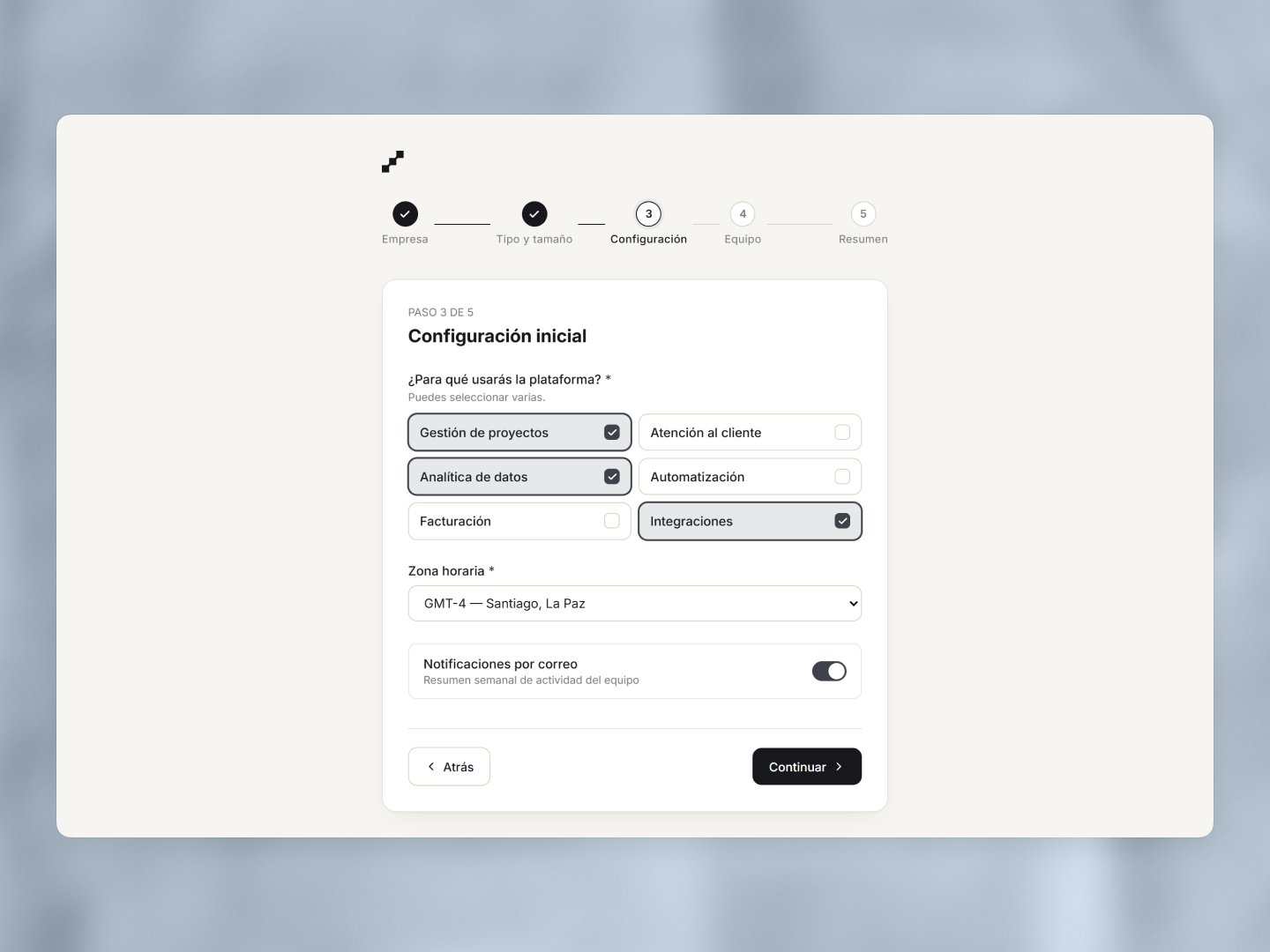
The configuration step uses multiple selections, a timezone selector and a notification setting. Each control is suited to the type of decision being made rather than forcing everything into the same pattern.
//Inviting the team
Inviting other people is useful during setup, but it shouldn't become a requirement for creating an account.
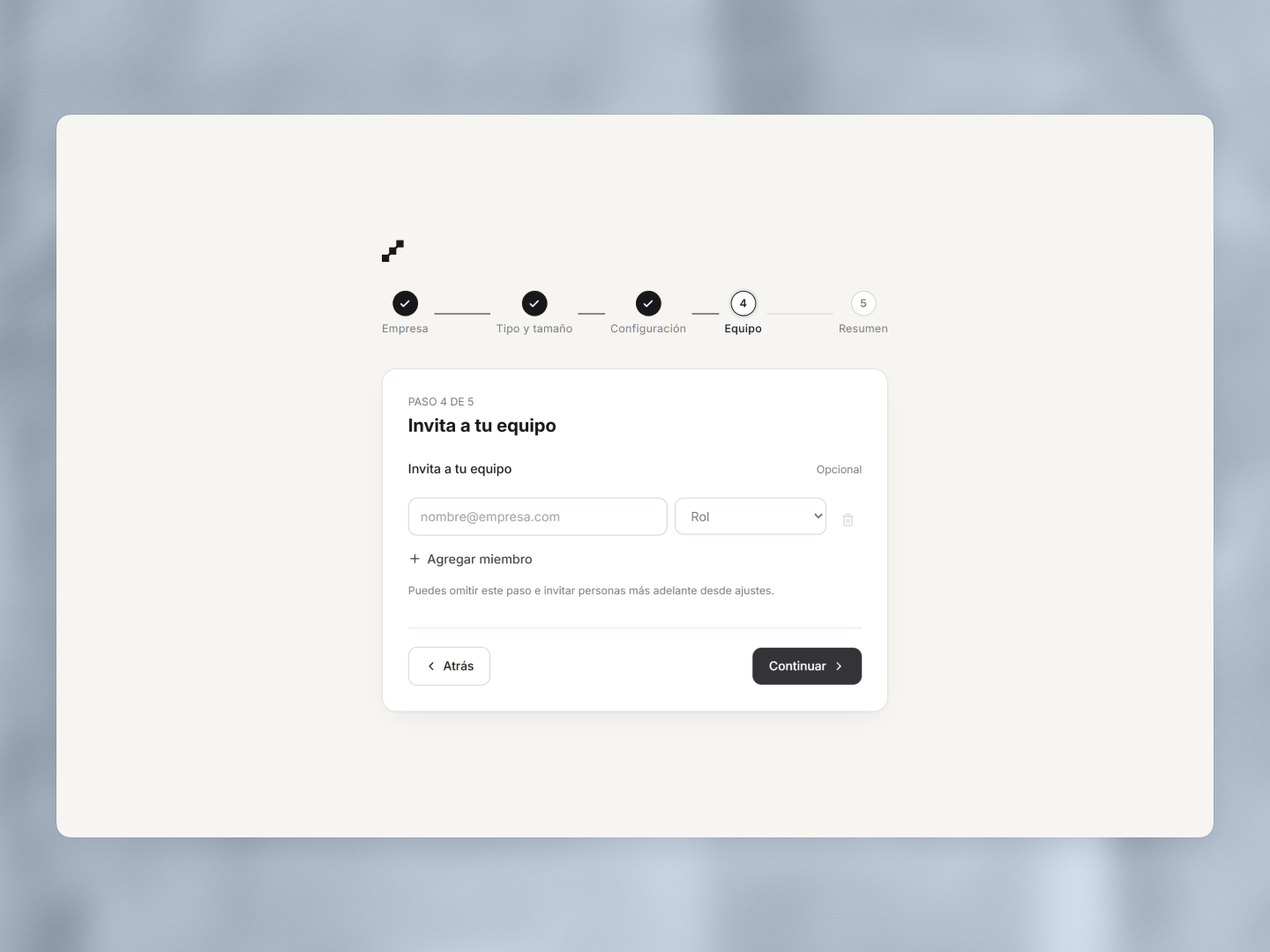
The step can be skipped entirely, while still making it possible to add several members and assign their roles when the information is available.
This also meant handling a small collection of repeated inputs: adding members, changing their role and removing them when necessary.
//Before creating the account
After several steps, the final screen brings everything back together.
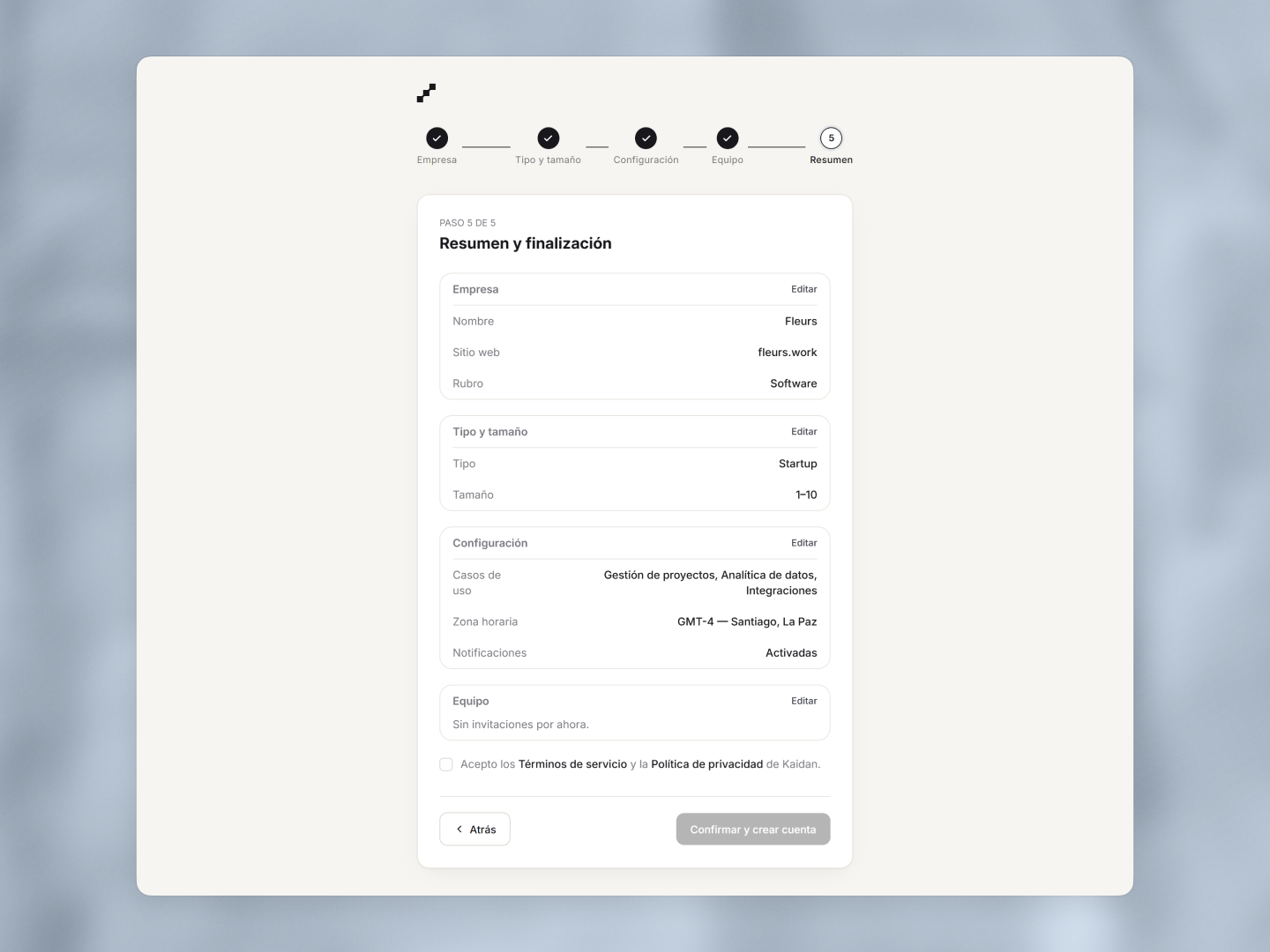
Each section can be reviewed or edited before the account is created, so the user doesn't have to rely on memory or go back through the entire flow to check something.
The progress indicator also changes along the way, making the completed steps and the current position visible throughout the process.
//A small exercise in progressive disclosure
Kaidan was built as a showcase project inspired by patterns I encountered while working on web products at Growth.
The project focuses on a fairly ordinary problem: collecting a lot of information without making the process feel like a lot of work.
Breaking a form into steps is easy. Deciding what belongs in each step, what can be skipped and what the user needs to see before continuing is where most of the design work ended up.