BACK TO ARCHIVE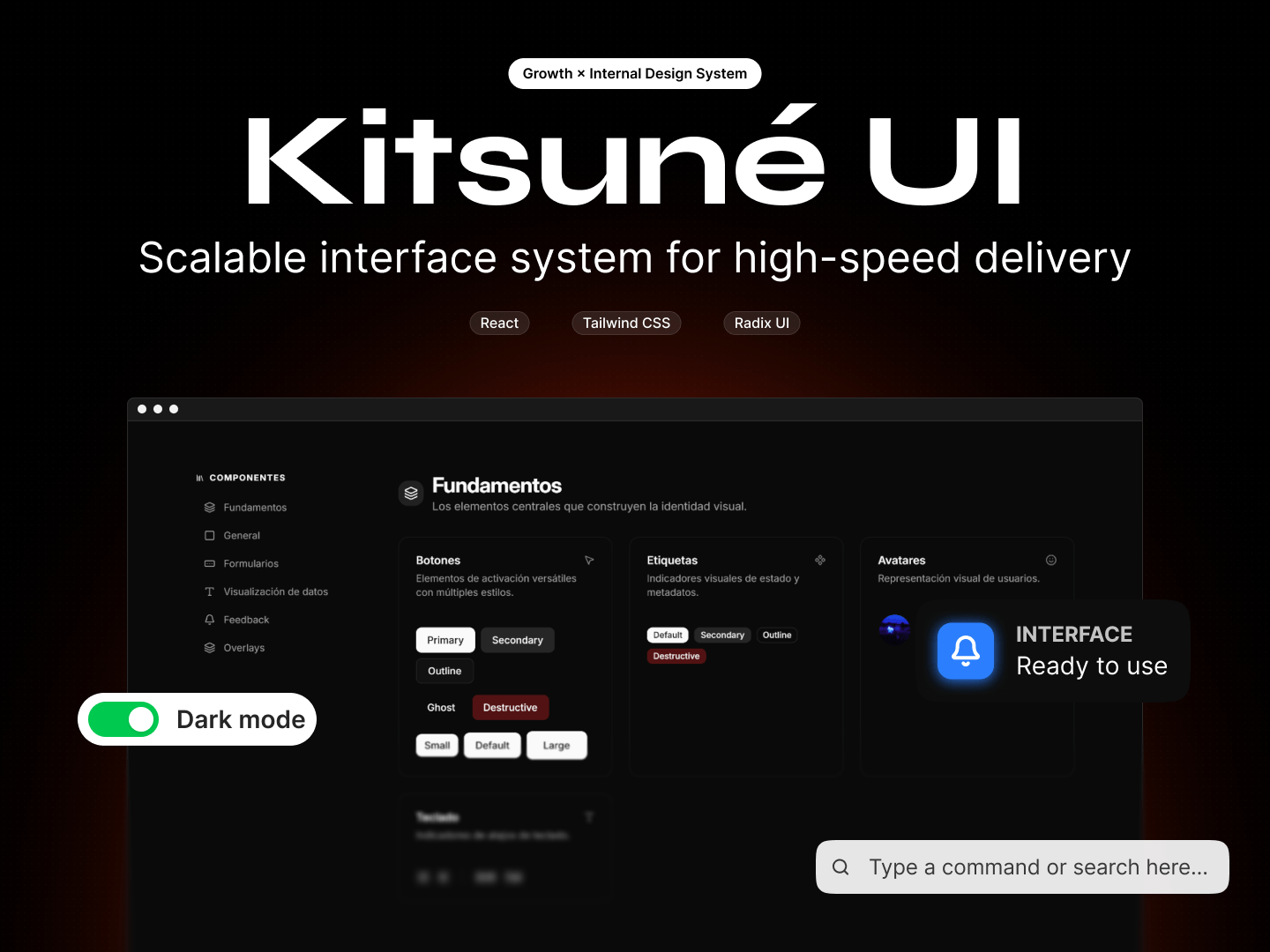
Kitsuné UI
A design system for building beautiful, consistent user interfaces.
kitsune.preview
2023 × React, TypeScript, Tailwind CSS
Kitsuné is a component library built around the interface patterns that tend to appear again and again when building web products.
While working on different web products at Growth, I kept running into the same interface problems.
Buttons, inputs, alerts, tables and overlays would appear in one project and then show up again in another. Building each one from scratch worked, but it also meant making the same decisions repeatedly.
That was the reason behind Kitsuné. I wanted a common foundation for these patterns, so they could be reused across projects while keeping the interface consistent.
//Starting with the basics
A design system doesn't need to begin with hundreds of components.
I started with the elements that form the foundation of most interfaces: buttons, labels, avatars and keyboard shortcuts. From there, the system could grow into more specific patterns as needed.
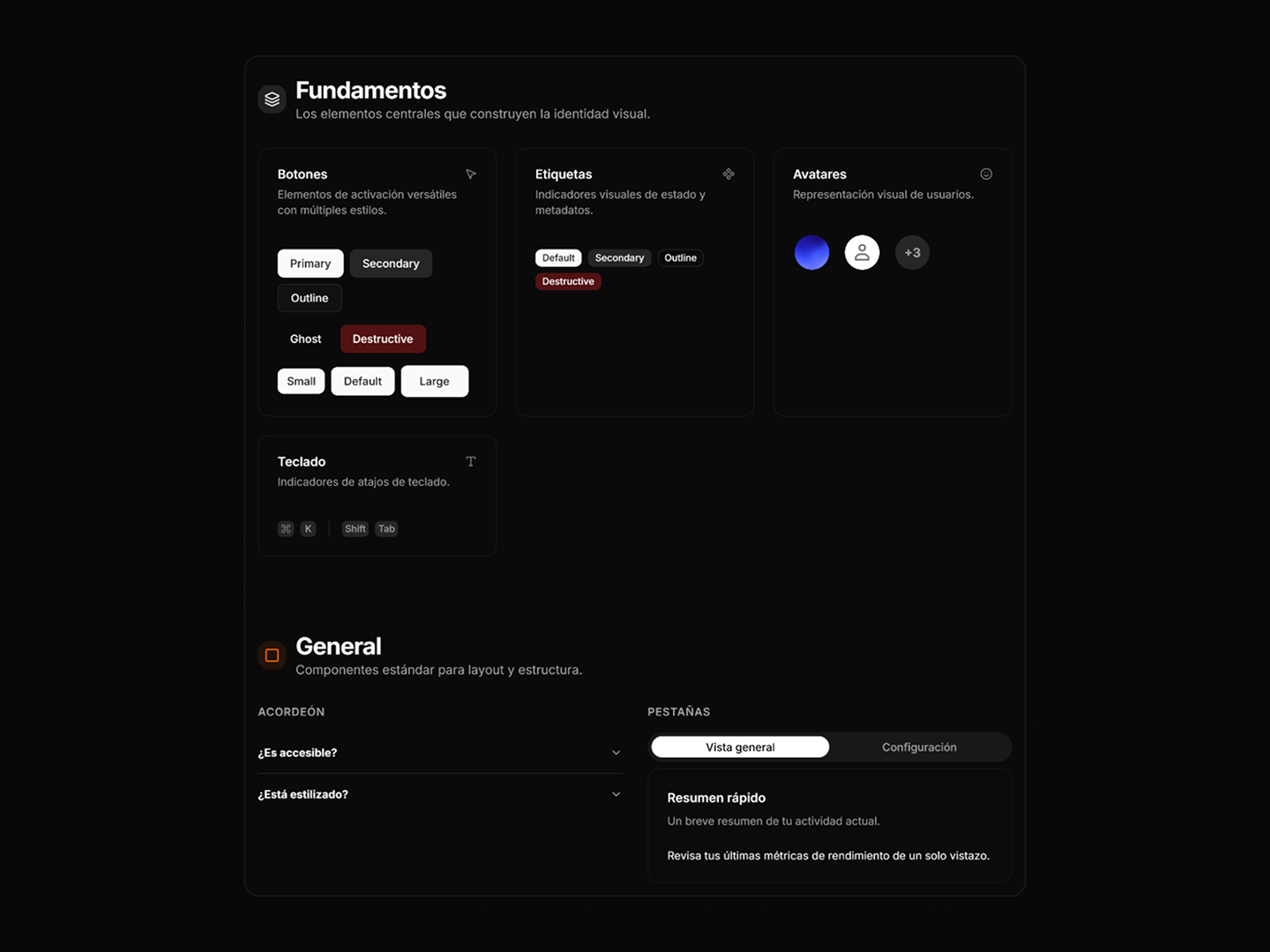
The showcase groups these elements together so their different states and variations can be seen side by side.
This also makes the decisions behind each component easier to compare. A button isn't just a button, for example; its variants, sizes and states all need to behave consistently.
//From components to patterns
Once the basic elements were established, I moved into patterns that require a little more structure.
Forms, tabs, accordions and data visualization components each introduce their own set of states and interactions.
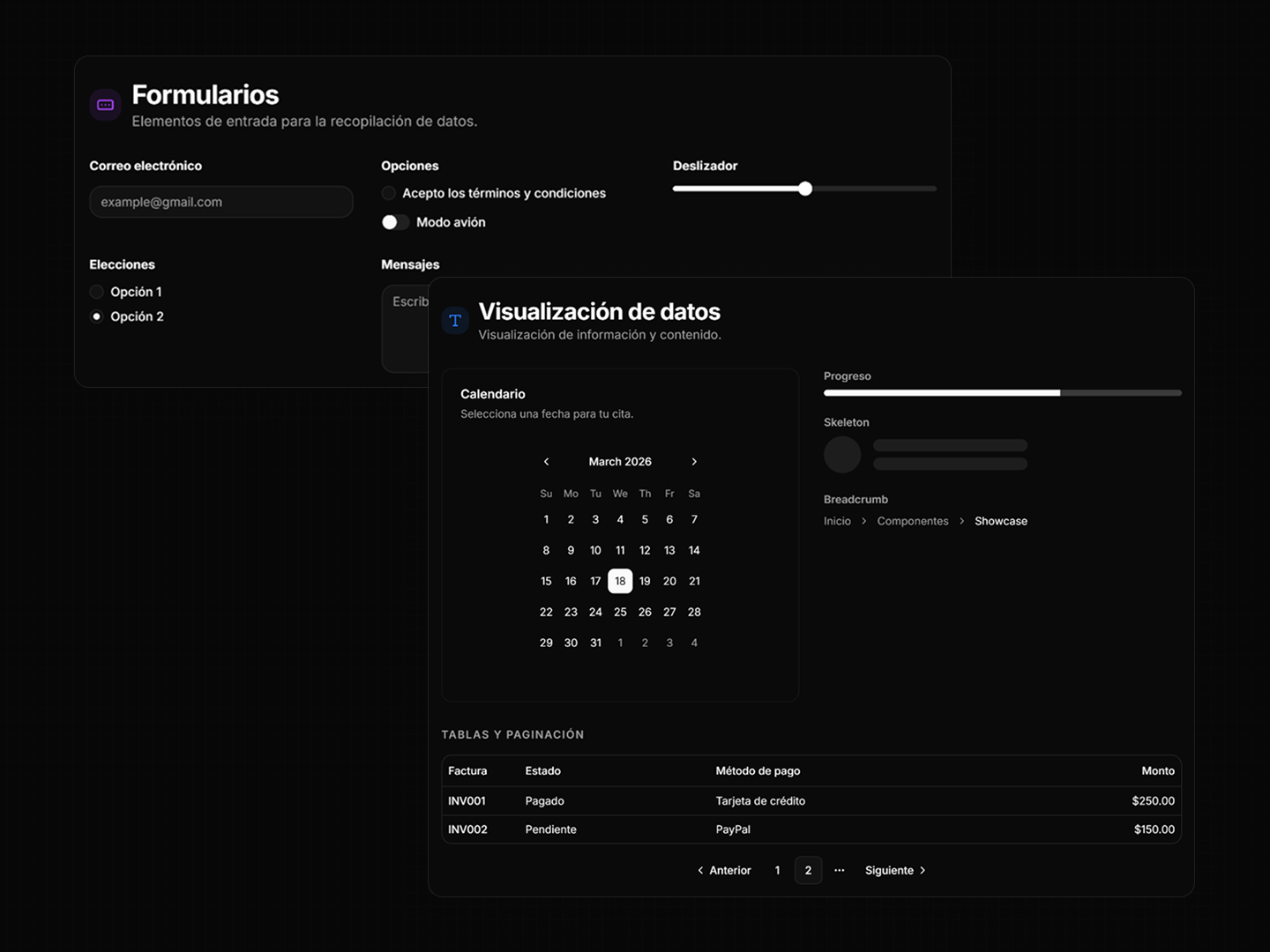
This is where the system becomes more useful than a collection of isolated components. The same visual and interaction rules can be applied to different kinds of content without having to rethink them every time.
//Handling the less obvious states
Some of the components that take the most consideration aren't necessarily the most visually interesting.
Feedback and overlay components have to communicate state, provide context and behave correctly without getting in the way of the interface around them.
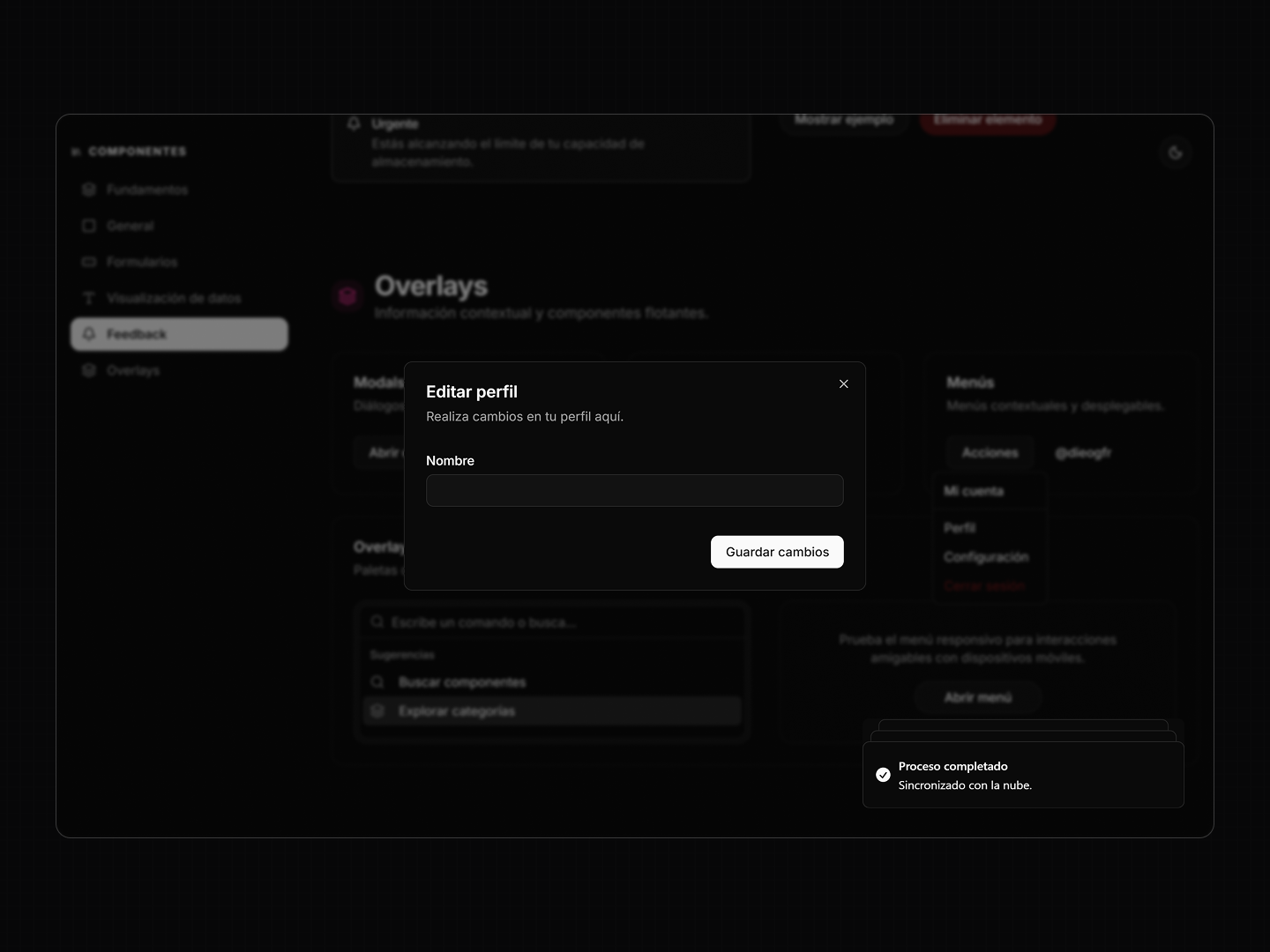
Alerts, dialogs, popovers and contextual menus all live in this part of the system.
I wanted these patterns to feel like natural extensions of the interface rather than separate pieces added on top of it.
//The showcase
The documentation itself became part of the project.
Instead of presenting the components as a long list of isolated examples, I organized them into sections that make it possible to browse the system from its foundations through more complex patterns.
Kitsuné is built with React, Radix UI and Tailwind CSS and was inspired by the approach of shadcn/ui.
The result is a small, practical design system that brings common interface decisions into one place and makes them easier to reuse, compare and maintain.