Password Generator
Create strong, secure passwords instantly with fully customizable criteria.
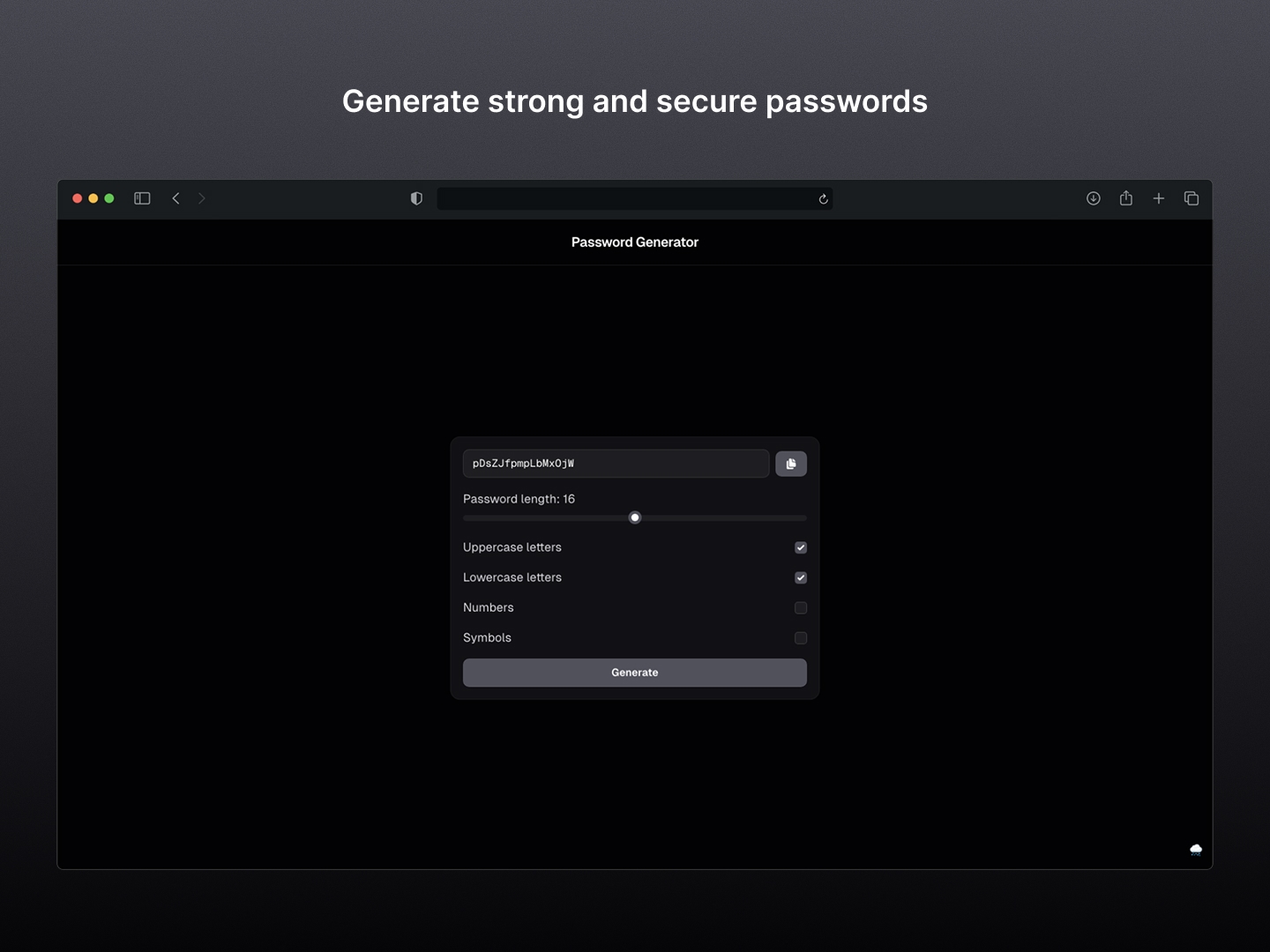
A paranoid-proof, minimalist tool to generate secure passwords. Built because browser-native suggestions are consistently unreliable.
The Motivation: Simple Security for the Paranoid
Let’s be honest: modern browsers already come with built-in password generators. In a perfect world, this app shouldn't need to exist.
However, we don't live in a perfect world. Browser-native generators are often finicky: sometimes they don't trigger, other times they don't let you customize the complexity (like removing ambiguous characters), and sometimes they simply fail to save the generated key. I built this tool because I wanted a reliable, "no-questions-asked" alternative that works exactly how I want it to, every single time.
The Project
This is a high-performance utility designed to create cryptographically strong passwords with zero friction. It’s my go-to tool whenever a browser's "Suggest Strong Password" feature decides to take the day off.
Key Features
- Custom Complexity: Full control over uppercase, lowercase, numbers, and symbols to meet those weirdly specific password requirements.
- Instant Feedback: Uses
react-toastifyto give you immediate confirmation when a password is copied to your clipboard. - Client-Side Security: Built with Next.js, but all generation logic stays strictly on the client side. Your secrets never touch a server.
- Clean UI: Leverages
@tailwindcss/formsfor a polished, functional look that focuses on utility over flashiness.
Technical Reflection
While a simple string generator could be done in a single HTML file, I chose a modern stack to ensure maintainability and a great user experience:
- Next.js 14 & React: Provides a solid structure and fast rendering for a tool that needs to be ready the second you open it.
- Strict Linting: Configured with
eslint-config-standardto keep the codebase as clean as the generated passwords. - Tailwind CSS: Used for a responsive, minimalist design that looks professional without the bloat of traditional UI libraries.
Tech Stack
- Next.js 14: The backbone of the application.
- React: For managing the state of the generator options.
- Tailwind CSS: For styling and form layouts.
- React Toastify: For non-intrusive user notifications.