BACK TO ARCHIVE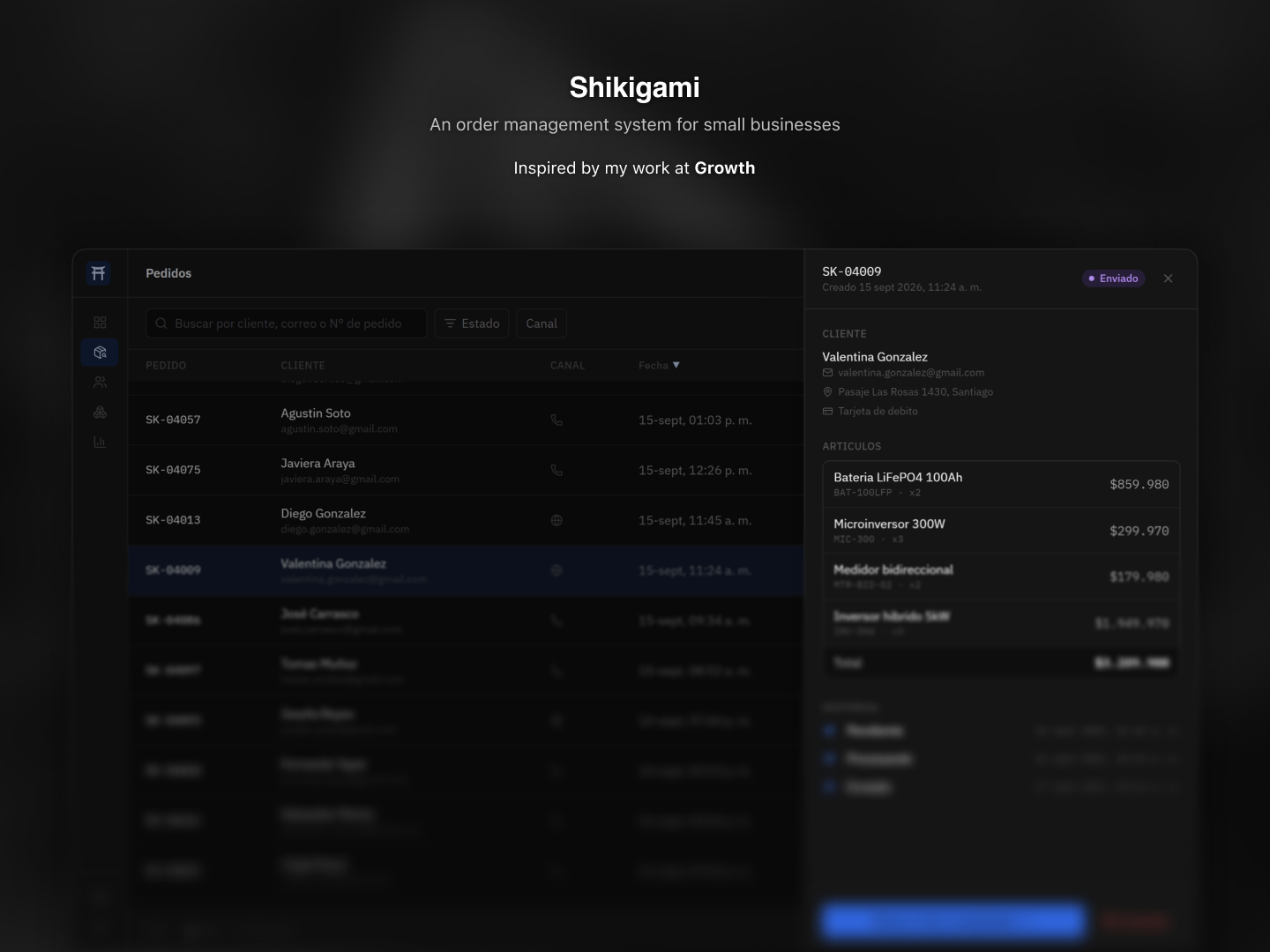
Shikigami
An order management system for small businesses.
shikigami.preview
2025 × React, TypeScript, Tailwind CSS
Shikigami is a small administration system built around a common problem: keeping track of orders when there are many of them happening at the same time.
The interface focuses on making orders easy to find, inspect and update without adding unnecessary complexity to the process.
//Finding the right order
Once an operation starts accumulating orders, searching through a long list can quickly become tedious.
Shikigami allows multiple filters to be combined so the list can be narrowed down to exactly what the user is looking for.
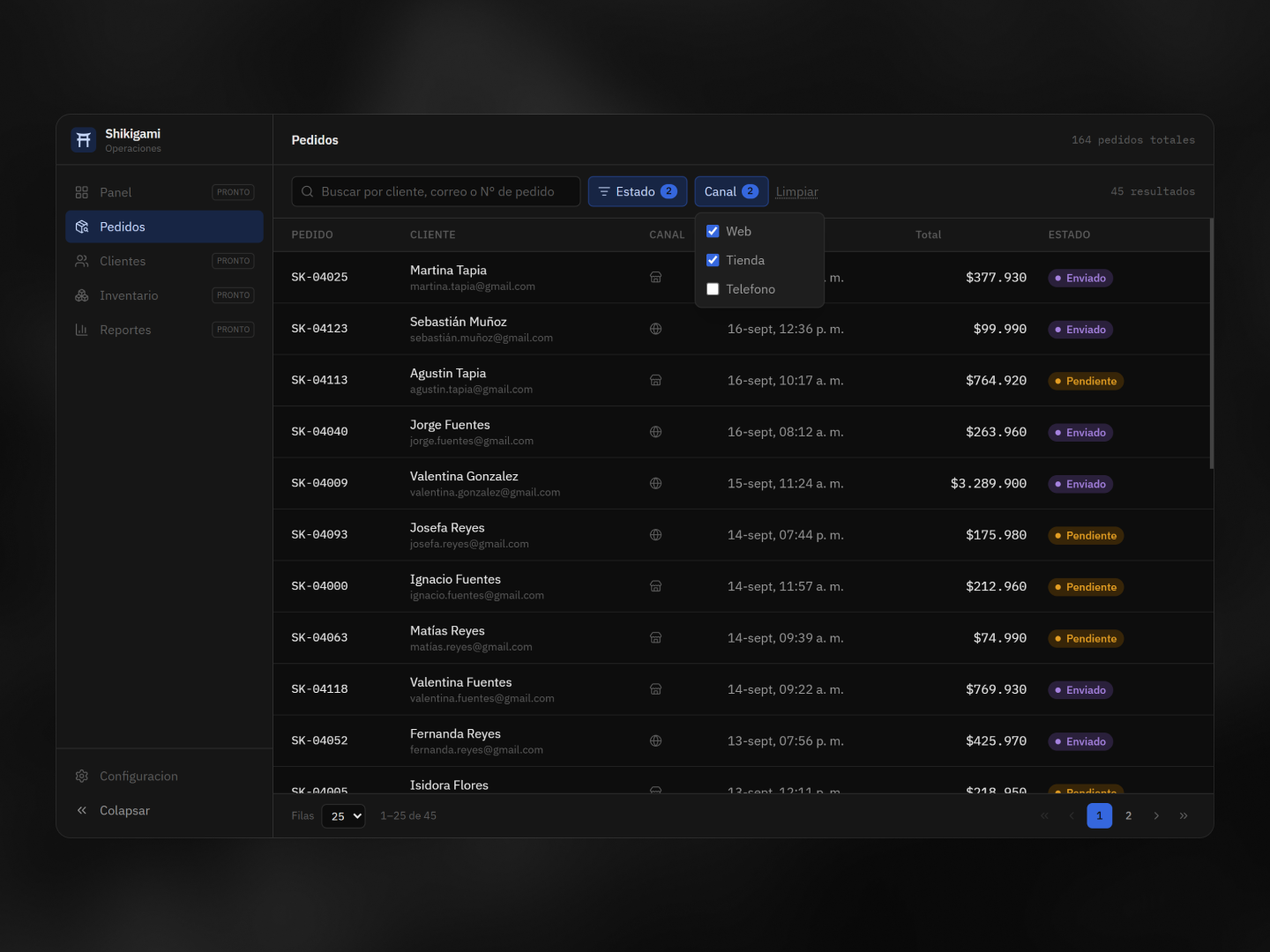
The filters can be used independently or together. For example, an operator can look for orders from a specific channel that are currently in a particular state.
I wanted the active filters to remain visible rather than hiding them inside another menu, making it clear why the current list looks the way it does.
//Keeping the details close
Finding an order is only part of the job. Once it's located, the user needs enough information to decide what to do with it.
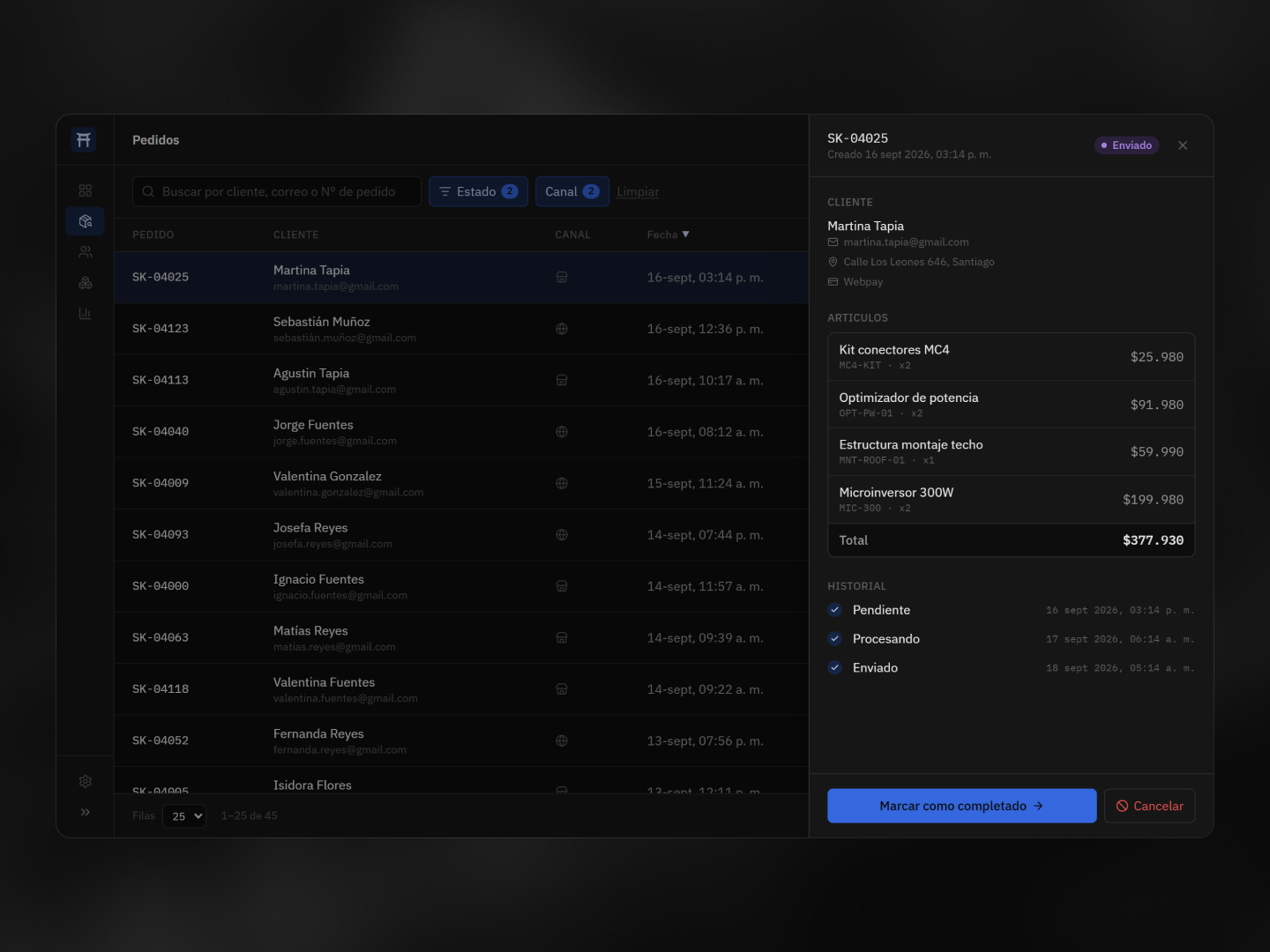
Selecting an order opens its details in a sidebar, keeping the list visible in the background.
The sidebar contains the customer's information, the products included in the order and its status history. This makes it possible to inspect an order without losing the context of the list or having to navigate to a separate page.
//Changing the state
Orders move through different stages as they are processed.
The sidebar makes the next action available directly from the order itself. An order can be advanced to its next state or cancelled when necessary.
Cancellation is treated differently from a normal state change because it cannot be easily undone. Before completing it, Shikigami asks for a second confirmation to reduce the chance of an accidental cancellation.
//Generating consistent data
Since Shikigami is a showcase project, all of the orders, customers and products are fictional.
Rather than manually creating a fixed dataset, I built a small seed-based data generator. The same seed always produces the same dataset, while changing the seed generates a completely different one.
This makes the demo predictable when needed while still allowing the interface to be tested with different combinations of customers, orders, statuses and values.
//A small administration system
Shikigami was built as a showcase project inspired by the kind of administration interfaces used to manage operational data.
The scope is deliberately small. Most of the work went into the parts that make a system like this practical to use every day: finding information quickly, keeping context while inspecting it and making potentially destructive actions harder to trigger by accident.
The result is a simple order management system where the interface does most of the work of keeping the information organized.