BACK TO ARCHIVE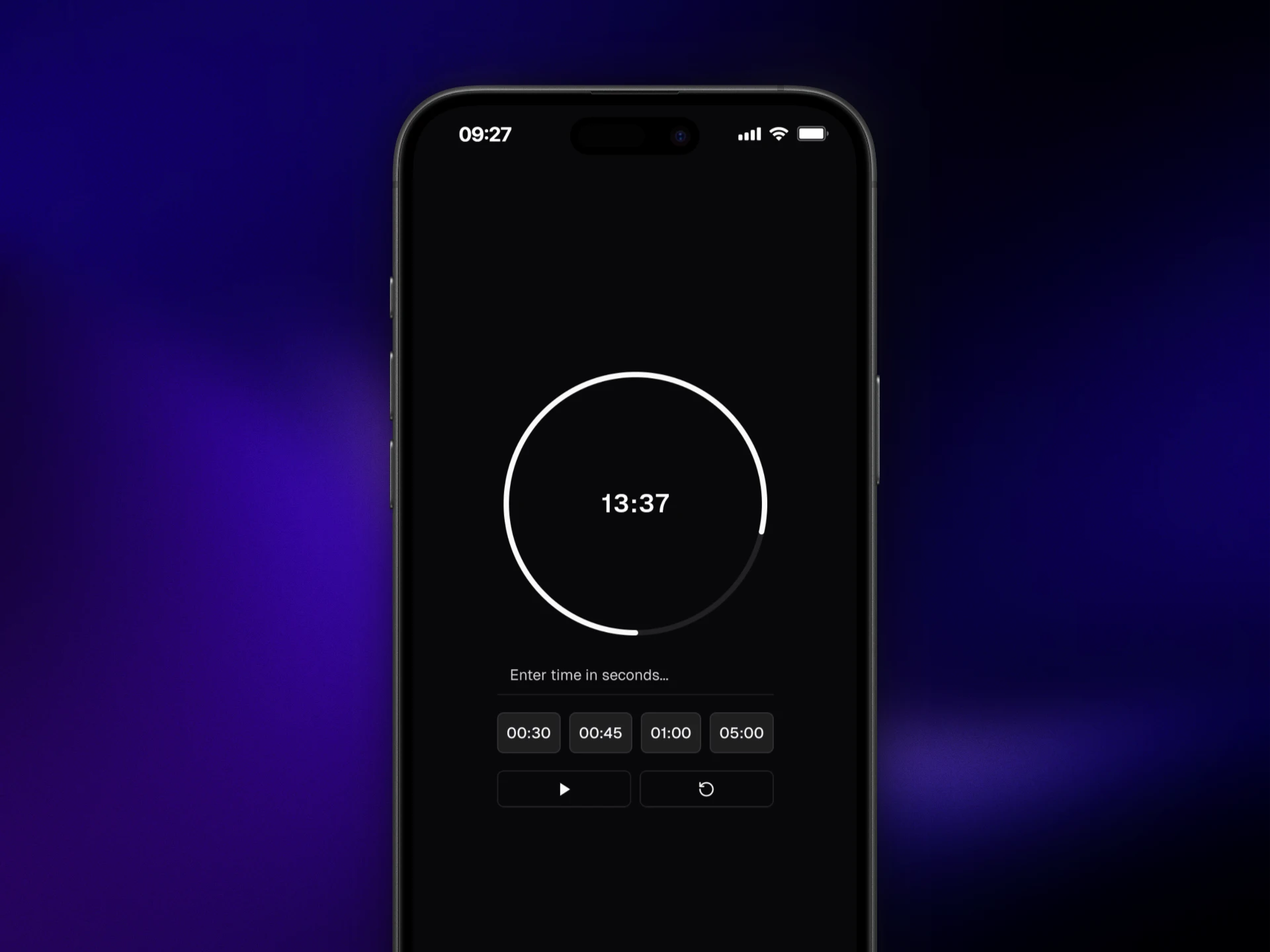
Timer
A browser-based countdown timer built to explore the limitations of background processes on the web.
timer.preview
2025 × Vite, React, Tailwind CSS
A countdown timer should be one of the simplest things to build.
That was what made it so strange that so many browser-based timers behaved poorly. The countdown would become inaccurate, freeze when the window wasn't in the foreground, fail to play a sound when it finished, or simply stop behaving as expected.
This happened even with timers built into services like Google Search.
//Starting with a simple problem
I wanted to understand whether I could build a timer that actually worked reliably in a browser.
The interface itself wasn't particularly complicated. Set a duration, start the countdown, wait for it to reach zero and play an alert.
The difficult part turned out to have very little to do with the interface.

I built the timer with the usual browser APIs and started testing it under different conditions, especially while the browser window was in the background.
That's when the problems became much more obvious.
//The browser is part of the problem
At first, I assumed that unreliable timers were simply poorly implemented.
While investigating the problem, I discovered that browsers actively manage background processes. When a page isn't in the foreground, certain operations can be throttled or delayed to reduce resource usage.
That means a timer isn't necessarily allowed to behave the same way when its tab is visible and when it isn't.
The problem wasn't specific to my implementation. It was a limitation of the environment the timer was running in.
That also explained something I had noticed before: even Google's own browser timer could behave this way.
//A timer that exposes its limitations
This changed what I wanted the project to be.
Instead of trying to make a perfect browser timer and pretending the problem didn't exist, the project became an exploration of how far a web application could go within the constraints imposed by the browser.
I tested different approaches and looked at what happened when the page lost focus, when the browser deprioritized its processes and when the countdown reached zero while the page wasn't active.
The result was a timer that works well while the browser allows it to run normally, but still can't completely escape the restrictions imposed by the browser itself.

//A small project with a bigger lesson
The interesting part of this project ended up being the thing I wasn't expecting to learn.
Building a countdown is easy. Building one that behaves reliably while the browser is managing its background activity is a different problem.
It was a useful reminder that web development isn't always about finding the right implementation. Sometimes the platform itself defines what an application can and cannot do.
I still haven't found a browser-based timer that behaves perfectly without some additional configuration or platform-specific approach.
That's probably the most useful thing I got from building this one.